
A smartphone can do much more than make calls and send texts. It can help you stay connected with family and friends, take and share photos, get directions, manage appointments, listen to music, check the weather, video chat, and even control smart devices around your home.
But choosing a new phone can feel unnecessarily complicated.
There are dozens of models, a long list of features, and plenty of advice about which phones are supposedly “best for seniors.” The truth is, there isn’t one smartphone that’s right for everyone as they get older.
The best choice is the phone that fits how you want to use it.
Here’s what to consider before buying your next smartphone.
1. Start With What You Actually Need
Before comparing brands or models, think about what you want your phone to do.
Do you mainly want to:
Make calls and send texts?
Take and share photos?
Video chat with family and friends?
Use maps and navigation?
Check email and browse the internet?
Use Facebook or other social media?
Listen to podcasts, audiobooks, or music?
Use health, fitness, banking, or travel apps?
Connect with a smartwatch or other devices?
Someone who primarily calls, texts, and takes an occasional photo probably doesn’t need the most expensive phone available.
On the other hand, if you travel frequently, take lots of photos, use several apps, or rely heavily on your phone throughout the day, paying more for a better camera, longer battery life, and additional storage may be worthwhile.
Buy for the way you live—not for your age.
2. Don’t Assume You Need a “Senior Phone”
Phones marketed specifically to older adults can be helpful for some people. They may offer larger buttons, simplified menus, louder speakers, or easy access to assistance.
But don’t assume you need a specialized phone simply because you’re getting older.
Today’s standard smartphones include many settings that can make them significantly easier to see, hear, and operate.
Depending on the phone, you may be able to:
Increase text size
Make icons easier to see
Increase screen contrast
Magnify portions of the screen
Use voice commands
Have text read aloud
Add captions
Adjust audio settings
Use hearing-device features
Simplify certain controls
An iPhone or Android phone adjusted to your preferences may provide everything you need while still giving you access to the apps and features you want.
3. Consider Screen Size
A larger screen can make reading texts, viewing photos, typing, following directions, and browsing websites much more comfortable.
But bigger isn’t automatically better.
Large smartphones can also be heavier and more difficult to use with one hand or fit into a pocket.
When possible, visit a store and actually hold several phones.
Try opening an app, typing a short message, and reaching different areas of the screen. A phone that looks perfect online may feel completely different in your hand.
4. Look at the Display, Not Just the Size
Screen quality matters too.
Look for a display that is bright, clear, and easy for you to read in different lighting conditions.
Before deciding a screen is too difficult to see, ask the salesperson to increase the font size and adjust the display settings. A few simple changes can make a surprisingly big difference.
This is another reason not to judge a smartphone solely by its default setup.
Your phone should be adjusted to you—not the other way around.
5. Think About iPhone vs. Android
For many people, this will be the biggest decision.
Both can be excellent choices.
An iPhone May Make Sense If…
You already use other Apple products such as an iPad, Apple Watch, or Mac.
Apple devices work closely together, and features such as FaceTime, iMessage, AirDrop, and iCloud can make sharing and communication especially convenient if your family and friends also use Apple products.
iPhones also include a wide range of accessibility settings.
Apple’s Assistive Access feature can provide a more simplified experience for people who benefit from larger controls and a less complicated interface.
An Android Phone May Make Sense If…
You prefer having more choices in phone brands, sizes, features, and prices.
Android phones are available from several manufacturers and range from affordable basic models to premium smartphones.
Many Android devices also offer extensive accessibility and display customization.
There isn’t a universal winner between iPhone and Android.
Often the easiest choice is the system you’re already familiar with—or the one used by the people most likely to help you if you have questions.
6. Pay Attention to Battery Life
A phone isn’t very useful when the battery is constantly running low.
If you spend long days away from home, travel frequently, use navigation, stream video, or make lots of calls, battery life should be high on your list.
When comparing phones, look beyond the manufacturer’s claims and consider how you’ll actually use the device.
And remember that batteries gradually lose capacity over time, so a phone that starts with strong battery performance can be helpful if you plan to keep it for several years.
7. Decide How Much Storage You Need
Storage determines how much room you have for photos, videos, apps, downloads, and other files.
If you mostly call, text, and use a handful of apps, you probably don’t need enormous amounts of storage.
If you take hundreds of photos and videos, download movies for travel, or keep phones for many years, additional storage can be worthwhile.
Cloud services can also store photos and other files, although they may involve an ongoing subscription.
8. Consider the Camera
You don’t need to be a photographer to appreciate a good smartphone camera.
For many people, their phone has completely replaced a traditional camera.
If taking pictures of grandchildren, pets, vacations, hobbies, family gatherings, or everyday moments is important to you, compare camera quality before buying.
The most expensive camera system isn’t necessary for everyone. A good midrange smartphone can often take excellent everyday photos.
9. Look at Hearing and Audio Features
If hearing calls clearly is important, don’t rely solely on the phone’s specifications.
If possible, test the speaker volume and call quality yourself.
If you use hearing aids or other hearing devices, check compatibility before purchasing. Smartphones may also include features such as live captions, adjustable audio settings, visual alerts, and Bluetooth connections to compatible devices.
These features can make everyday phone use considerably more comfortable.
10. Don’t Overlook Emergency and Safety Features
Smartphones increasingly include useful safety features.
Depending on the device and model, these might include:
Emergency SOS
Emergency contact information
Medical ID information
Location sharing
Fall or crash detection when paired with compatible devices
Satellite emergency communication on certain phones
Voice-activated calling
You may never need these features, but they’re worth understanding when comparing phones.
11. Think About Who Can Help You
This is an underrated consideration.
If your spouse, children, close friends, or the person who usually helps you with technology all use one type of phone, choosing the same system can make getting help much easier.
It’s a lot simpler for someone to say, “Tap Settings, then tap this,” when their screen looks similar to yours.
That doesn’t mean you have to choose what everyone else uses—but it’s worth considering.
12. Make Sure You Understand the Real Cost
The advertised monthly payment isn’t always the full story.
Before buying, ask about:
The total price of the phone
Monthly service costs
Activation fees
Trade-in requirements
Length of financing
Insurance or protection plans
Upgrade requirements
Cloud storage subscriptions
Accessories such as chargers and cases
A “free” or heavily discounted phone may require a particular service plan or a multi-year commitment.
Know the total cost before signing anything.
Do You Need the Newest Smartphone?
Probably not.
Unless you want a specific new feature, last year’s model—or even a model that’s a couple of generations old—may provide everything you need for considerably less money.
The important exception is software support.
A very old or inexpensive phone may stop receiving security and operating-system updates sooner. If you’re planning to keep your phone for several years, buying a model with plenty of software support remaining can be worth paying a little more for.
Before You Buy: Try the Phone Yourself
Whenever possible, don’t choose your phone based solely on online reviews.
Go to a store and use it.
Try:
Holding it comfortably
Reading text on the screen
Increasing the font size
Typing a message
Taking a photo
Adjusting the volume
Opening and closing apps
Using the camera
Finding the accessibility settings
And don’t be afraid to ask the salesperson to show you how the phone can be customized.
Sometimes the phone that initially seems difficult becomes remarkably easy to use after a few settings are changed.
What About a Simplified Phone?
Not everyone wants a full smartphone—and that’s perfectly fine.
If you mainly want calling, texting, a camera, and a few basic features, a simplified phone may be a better fit.
The goal isn’t to own the most advanced technology.
It’s to have technology that makes your life easier.
The Bottom Line
Choosing a smartphone as you get older shouldn’t begin with the question, “What’s the best phone for seniors?”
A better question is:
“What’s the best phone for me?”
Think about how you’ll use it, what feels comfortable in your hand, which features matter to you, and whether you can easily see, hear, and navigate the device.
Then customize it.
A few changes to text size, display settings, sound, voice controls, or accessibility features can turn an ordinary smartphone into one that feels designed specifically for you.
Technology should help you stay connected, independent, and engaged—not make you feel as though you need to become a technology expert just to use it.
Live well. Age with purpose.
Want More Practical Ideas for Aging Well?
Technology is just one of the many tools that can help make everyday life easier and support your independence.
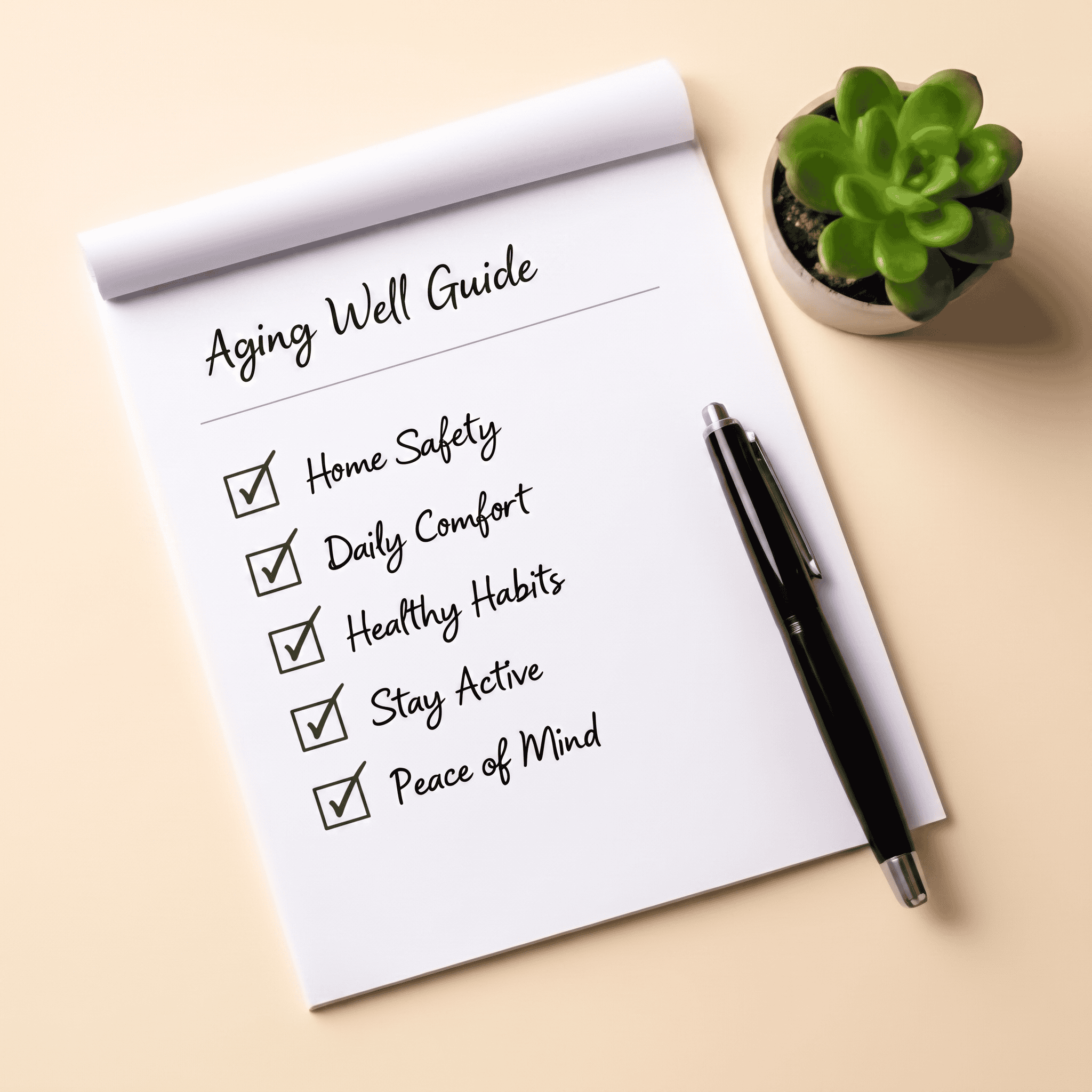
Our free Aging Well Guide includes practical ideas for staying active, creating a safer home, supporting your health, planning ahead, and making choices today that can help you live well in the years ahead.
Get Your Free Aging Well Guide →
Sources & Further Reading
About the Author
I’m Heather, founder of Age With Intent. I have more than 25 years of experience in long-term care leadership, including over 15 years as a Nursing Home Administrator.
Throughout my career, I’ve seen firsthand how important safety, independence, and thoughtful planning are to aging well.
I created Age With Intent to share practical information and resources that help older adults and their families make informed decisions, maintain independence, and live well at every stage of life.